Storage & lifespan
CRUDAuth keeps server-side state in a pluggable store: sessions, CSRF tokens, login-lockout counters, and single-use email and OAuth tokens. In-memory is the zero-config default and fine for development; Redis is what you want in production, and your own database is the alternative when you run several workers without Redis.
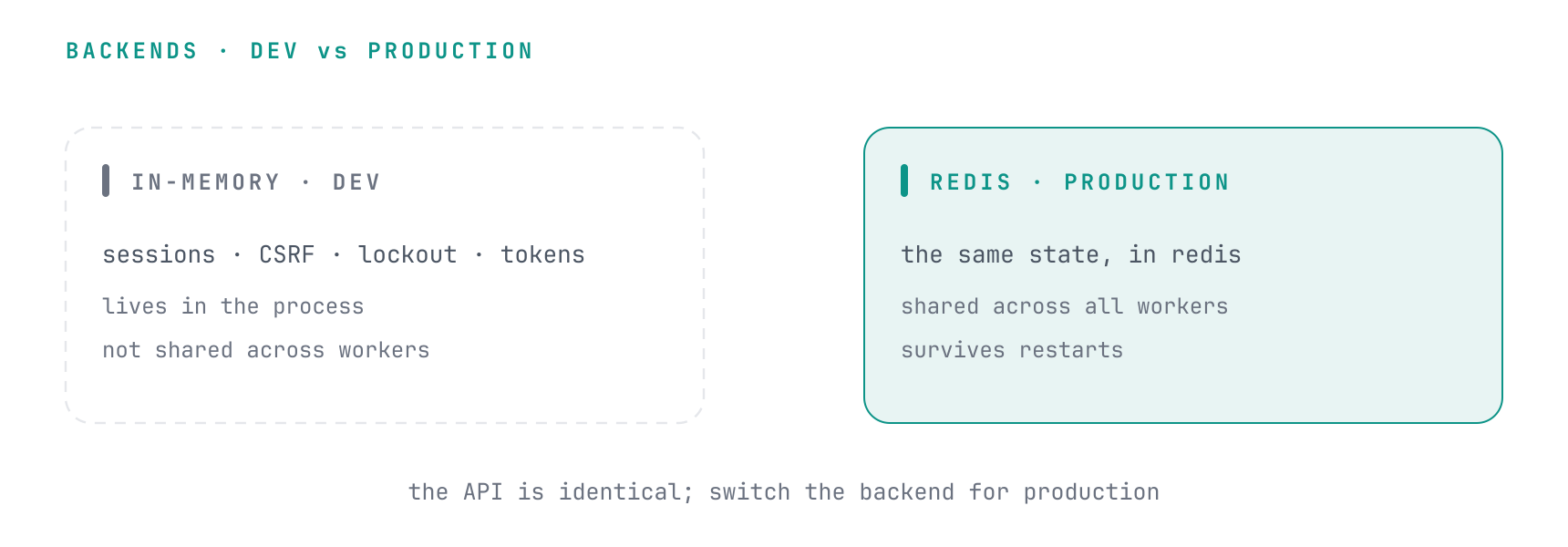
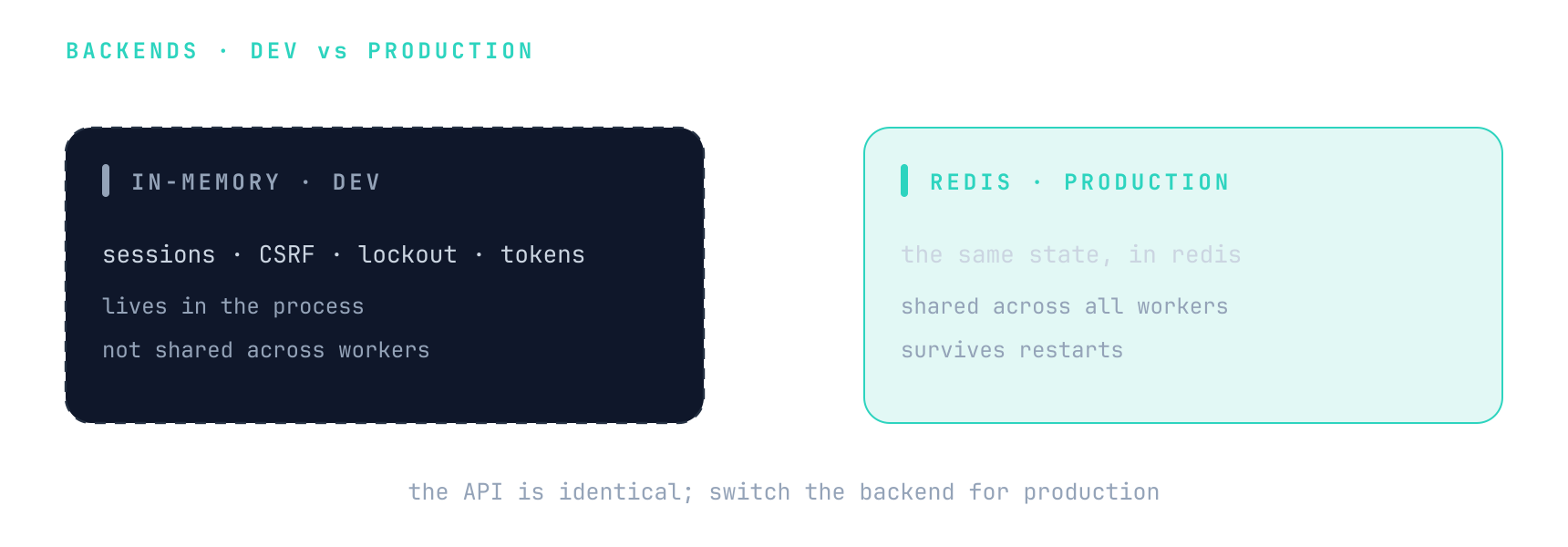
In-memory (default)
Nothing to configure. The catch: state lives in the process, so under multiple workers
(uvicorn --workers 4, gunicorn, several pods) it isn't shared. That silently weakens
lockout counters, sessions, and one-time-token atomicity. CRUDAuth logs a startup warning
whenever an in-memory backend is active. Use it for development, tests, and single-worker
deployments.
Redis (production)
Pass a Redis URL to CRUDAuth and every store moves to Redis: sessions and CSRF tokens, the
lockout and throttle counters, and the one-time-token and OAuth-state stores. CRUDAuth opens one
client for the URL, shares it across all of them, and closes it in auth.shutdown(). The Redis
backends need Redis 7.0 or newer, or a compatible server such as Valkey 7.2+; auth.initialize()
raises a RuntimeError saying so when the server is older.
from crudauth import CRUDAuth

auth = CRUDAuth(
    session=get_session, user_model=User, SECRET_KEY="change-me",
    redis_url="redis://localhost:6379/0",
)
Give auth state a Redis database of its own rather than sharing your cache's. A cache flush or an eviction policy would otherwise log users out and reset lockout counters. Redis Cluster only has database 0, so there it means a cluster of its own.
Sharing a client
If your app already builds a Redis client (a tuned connection pool, TLS, Sentinel, or a
RedisCluster), pass it with redis_client= instead of a URL. CRUDAuth uses it for every store and never closes it:
auth.shutdown() only closes the clients CRUDAuth built from a URL, so the client's lifecycle stays
with your app. Either decode_responses setting works.
from redis.asyncio import Redis

auth_redis = Redis.from_url(os.environ["AUTH_REDIS_URL"], max_connections=50)
auth = CRUDAuth(..., redis_client=auth_redis)
redis_url and redis_client are mutually exclusive.
Overriding one part
The CRUDAuth setting is the default. Configure a part directly to put it somewhere else:
from crudauth import CRUDAuth, SessionTransport
from crudauth.ratelimit import redis_rate_limiter

auth = CRUDAuth(
    ...,
    redis_client=auth_redis,
    transports=[SessionTransport(redis_client=session_redis)],  # sessions and CSRF tokens
    rate_limiter=redis_rate_limiter(client=limiter_redis),      # lockout and throttle counters
)
SessionTransport(backend="memory") keeps sessions in memory even when CRUDAuth has Redis.
The startup warning names each part that's still in memory; once you've deliberately accepted
that on a single worker, pass warn_on_memory_backend=False to silence it.
Database
For several workers on PostgreSQL, MySQL, MariaDB or SQLite without Redis. Pass a DatabaseStore and every
store moves into two tables of your database: sessions and CSRF tokens, the one-time-token, OAuth
state and MFA stores, and the lockout and throttle counters. The counters matter as much as the
sessions: with them in memory, each of N workers counts login failures on its own and an attacker
gets N times the attempts.
from sqlalchemy.ext.asyncio import async_sessionmaker
from crudauth import CRUDAuth, DatabaseStore

store = DatabaseStore(async_sessionmaker(engine, expire_on_commit=False))
auth = CRUDAuth(session=get_session, user_model=User, SECRET_KEY="change-me", database_store=store)
Every operation opens a session of its own from that async_sessionmaker and closes it before
returning, so no connection is held between operations and nothing is shared across requests. It
can point at a different database from your app's, and DatabaseStore also takes an AsyncEngine.
database_store can't be combined with redis_url or redis_client, and a part configured directly
keeps its own setting, as with Redis.
The tables
crudauth_store holds stored values (key, the JSON value, the owning user_id, a version, the
expiry) and crudauth_counters holds rate-limit counters. Rename either with
DatabaseStore(..., store_table=..., counter_table=...). Create them with
await store.create_tables() in development, or in a migration. To have Alembic autogenerate them
with your own tables, declare them on your metadata:
# app
store = DatabaseStore(sessions, metadata=Base.metadata)

# migrations/env.py: Base.metadata now carries crudauth_store and crudauth_counters
target_metadata = Base.metadata
Without your metadata, store.metadata holds just the two tables, so target_metadata can be a
list: [Base.metadata, store.metadata]. The columns are plain SQLAlchemy types, so the generated
migration needs nothing beyond the imports Alembic writes itself.
Keys are compared exactly, case and trailing spaces included. MySQL's and MariaDB's default
collations ignore both, so there the key columns use a binary collation without padding:
utf8mb4_0900_bin, which needs MySQL 8.0.17 or later, and utf8mb4_nopad_bin on MariaDB 10.2 or
later. A key longer than the 255-character column is stored as its start followed by a SHA-256 of
the whole key, so it still matches by prefix and never collides with another.
Expiry and cleanup
Expiry is a column, not a native TTL: an expired row reads as absent everywhere and stays until a
purge deletes it. Every 1000 writes through a DatabaseStore's stores and limiter
(purge_every=), about as many expired rows are deleted from each table, in batches of
purge_batch_size= (500). No table gains more rows than writes were counted, so cleanup keeps up
even under a password spray, while the request that triggers it never works off a whole backlog.
A purge that fails is logged without failing the write. Set purge_every=0 and call
await store.purge_expired(), which deletes them all, from a scheduled job if you'd rather keep
that work off requests.
Expiry is computed from the application's clock, not the database's, so every database agrees; keep your workers' clocks roughly in sync.
Concurrency
The operations that must be atomic are, on every dialect: a session update is a compare-and-set on
a version column, a one-time token is claimed by an insert that loses on the duplicate key, a
single-use value is consumed by one DELETE ... RETURNING (where RETURNING is missing, by a read
and then a delete that hands the value out only if it removed the row), and a counter is one
upsert, ON CONFLICT on PostgreSQL and SQLite and ON DUPLICATE KEY on MySQL and MariaDB. SQLite
serializes writers, so it suits a single host; PostgreSQL, MySQL and MariaDB take the multi-worker
load.
On MySQL and MariaDB, concurrent inserts into a table that already holds rows take locks on the gaps between keys, and two logins writing different sessions occasionally deadlock. The database rolls the loser back whole, so the store runs a transaction that failed with a deadlock, a lock wait timeout or a serialization failure again, up to five times, and the request never sees it.
SQLite older than 3.35 has no RETURNING, and older than 3.24 no ON CONFLICT. That's still the
version in Debian bullseye (3.34) and Ubuntu 20.04 (3.31), whose Pythons link the system SQLite.
There, counters are an UPDATE, or an INSERT when there's no row yet, and a read back, all in one
transaction that holds SQLite's write lock. Check yours with
python -c "import sqlite3; print(sqlite3.sqlite_version)"; it's tested back to 3.22.
Lifespan
Server-side backends open connections on startup, so call initialize() and shutdown()
from your app's lifespan. It's required for Redis and a no-op for in-memory and the database,
whose engine stays yours to dispose.
from contextlib import asynccontextmanager

@asynccontextmanager
async def lifespan(app):
    await auth.initialize()
    yield
    await auth.shutdown()

app = FastAPI(lifespan=lifespan)